Quick start
nifti-snapshot is a tool to quickly capture nifti image as a png or
jpg figures.
Install the nifti-snapshot
Install nifti-snapshot using pip
pip install nifti_snapshot
Note
It’s _, not -
For the most recent version of nifti_snapshot, pull the most recent master
branch from github repository.
git clone https://github.com/pnlbwh/nifti-snapshot
ENIGMA nifti data
Download ENIGMA data
nifti-snapshot requires nifti maps that ENIGMA published. It can be
downlaoded by executing the command below.
enigma_data_dir=${HOME}/enigma_data   # change this if you want to
mkdir -p ${enigma_data_dir}
wget http://enigma.ini.usc.edu/wp-content/uploads/2013/02/enigmaDTI.zip -P ${enigma_data_dir}
unzip -o -d ${enigma_data_dir} ${enigma_data_dir}/enigmaDTI.zip
Set up PATH environment
Add below line to your bashrc (~/.bashrc) or execute it everytime you use
nifti-snapshot.
echo "export enigma_data_dir=${HOME}/enigma_data" >> ~/.bashrc   # change this if you want to
source ~/.bashrc
Check installation
nifti_snapshot -h
nifti_snapshot --check_enigma
Note
If you have downloaded nifti-snapshot from its github repository, you will
also have to add path of the nifti_snapshot/script to your PATH and
nifti_snapshot/nifti_snapshot to your PYTHONPATH variable to access
nifti_snapshot executable from any location.
export PYTHONPATH=${PATH}:${HOME}/nifti_snapshot/nifti_snapshot
export PATH=${PATH}:${HOME}/nifti_snapshot/script
Test create an image
nifti_snapshot \
    --input ${enigma_data_dir}/ENIGMA_DTI_FA.nii.gz \
    --title test_title \
    --output_file t1w_test.png
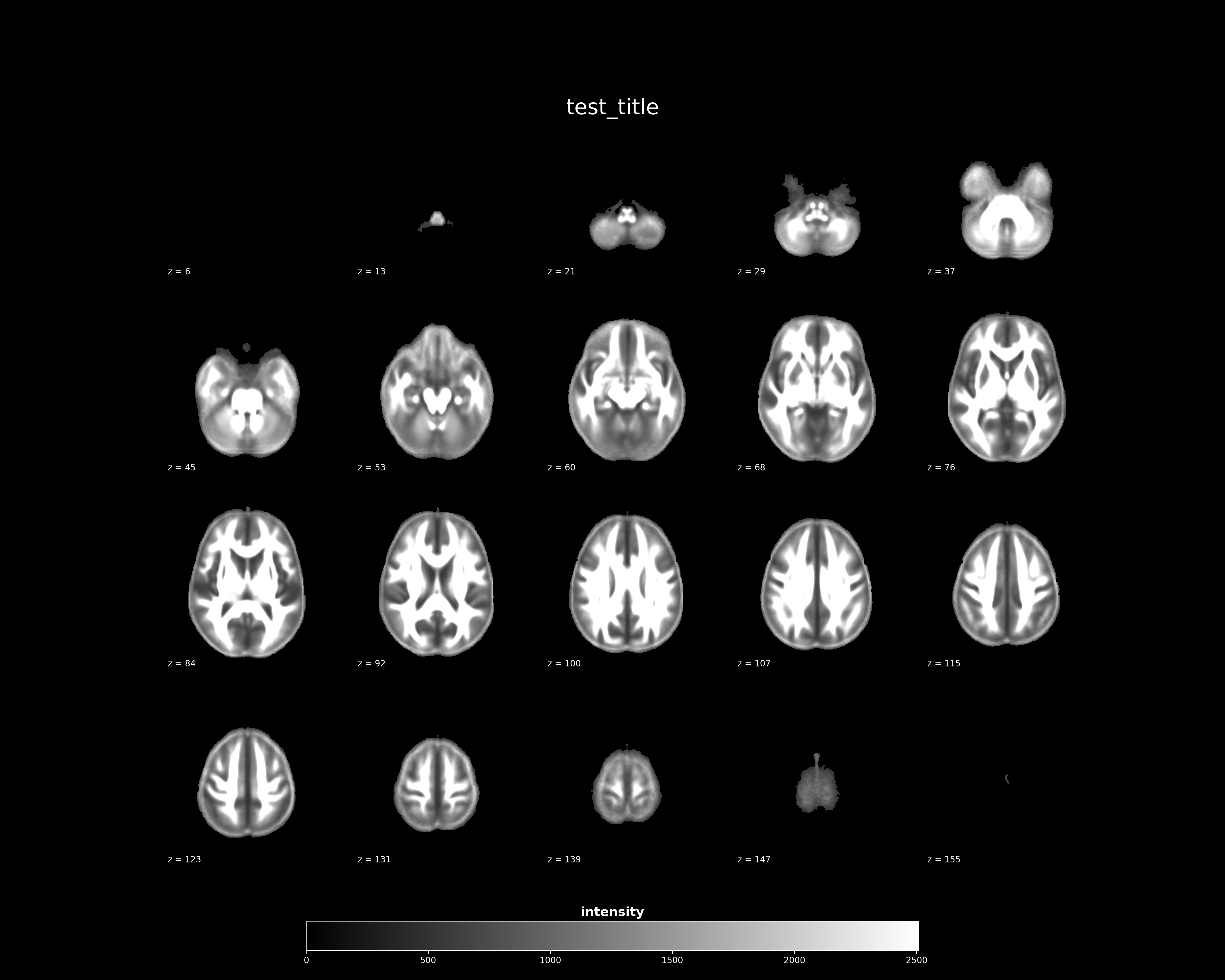
Congratulations!